When a face is the subject, output size matters more than any adjective in the prompt. A model is not drawing your character at some ideal resolution and shrinking it to fit; it produces a frame of a given size, and the details either fit in it or they do not.
ockeeper has no upscaler, so the size you render is the size you get. What you choose is the model, and each has a maximum output: up to 1024 px on Nano Banana 2 Lite, 2048 px on Nano Banana 2, and 4096 px on GPT-5 Image Mini and Nano Banana Pro.
What resolution actually holds
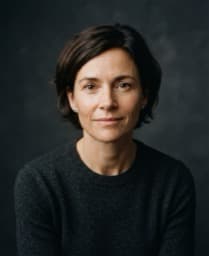
In a 1024 px portrait where the head fills half the frame, the face is around 500 pixels tall. That is plenty for bone structure, the shape of the eyes, the line of the mouth and the hairline. Iris pattern, individual lashes and pore texture sit at the edge of what fits.
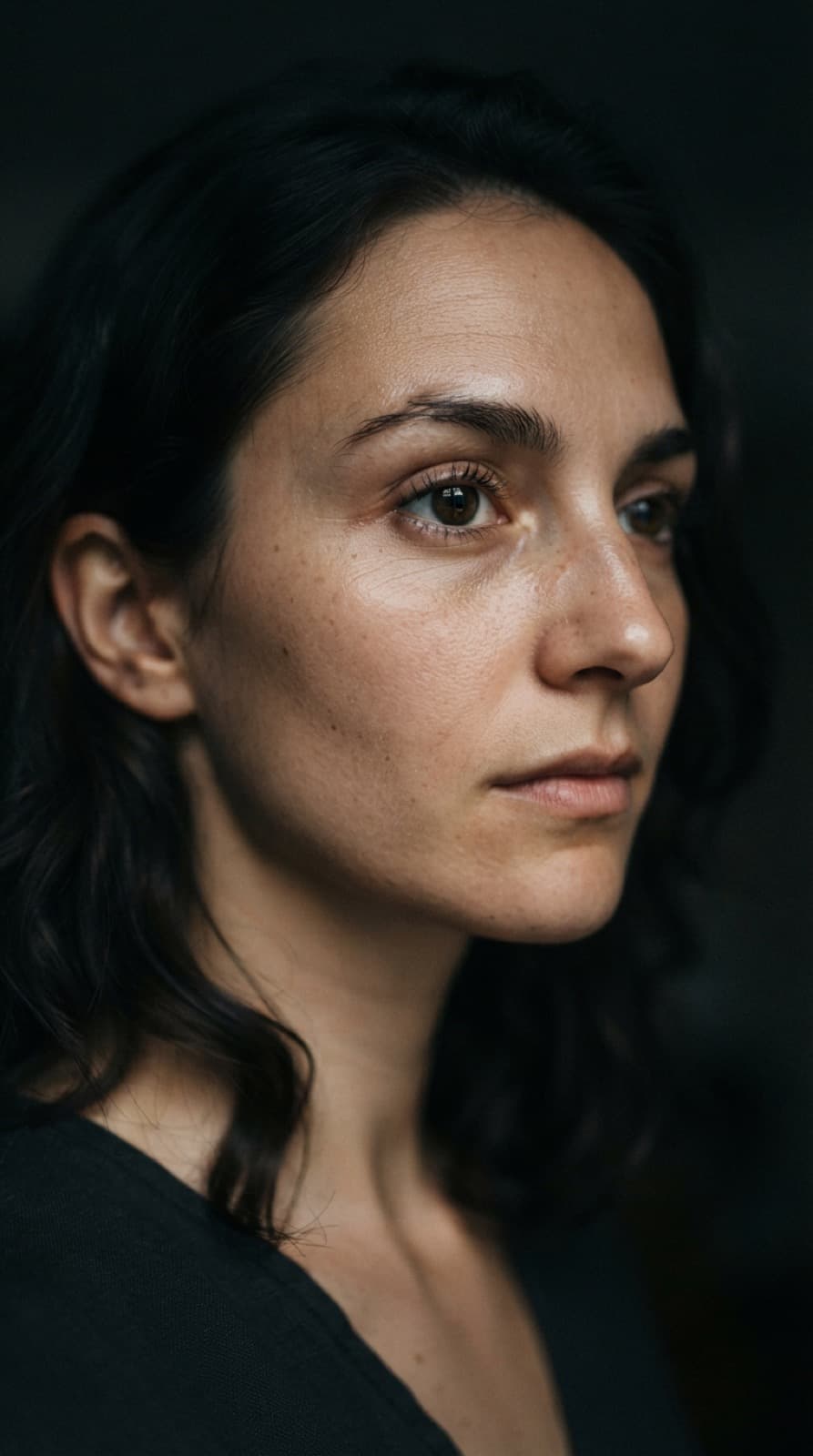
At 2048 px the same face has four times the pixels, and those fine details start to be drawn rather than suggested. At 4096 px there is room for all of it — which is why the largest sizes cost more and take longer.
A model cannot show detail it had no room to draw. Give it the room, and it will draw more — whether or not that detail is yours.
— from the craft handbook
What every size gets right
These hold at every size, because they live in large shapes rather than fine texture:
Structure — Proportions, symmetry and the geometry of the face.
Edges — Jawline and hairline.
Light — Direction and ratio, which live in large tonal shapes.
Colour — White point and skin hue.
Expression — Mouth and brow position, both low-frequency information.
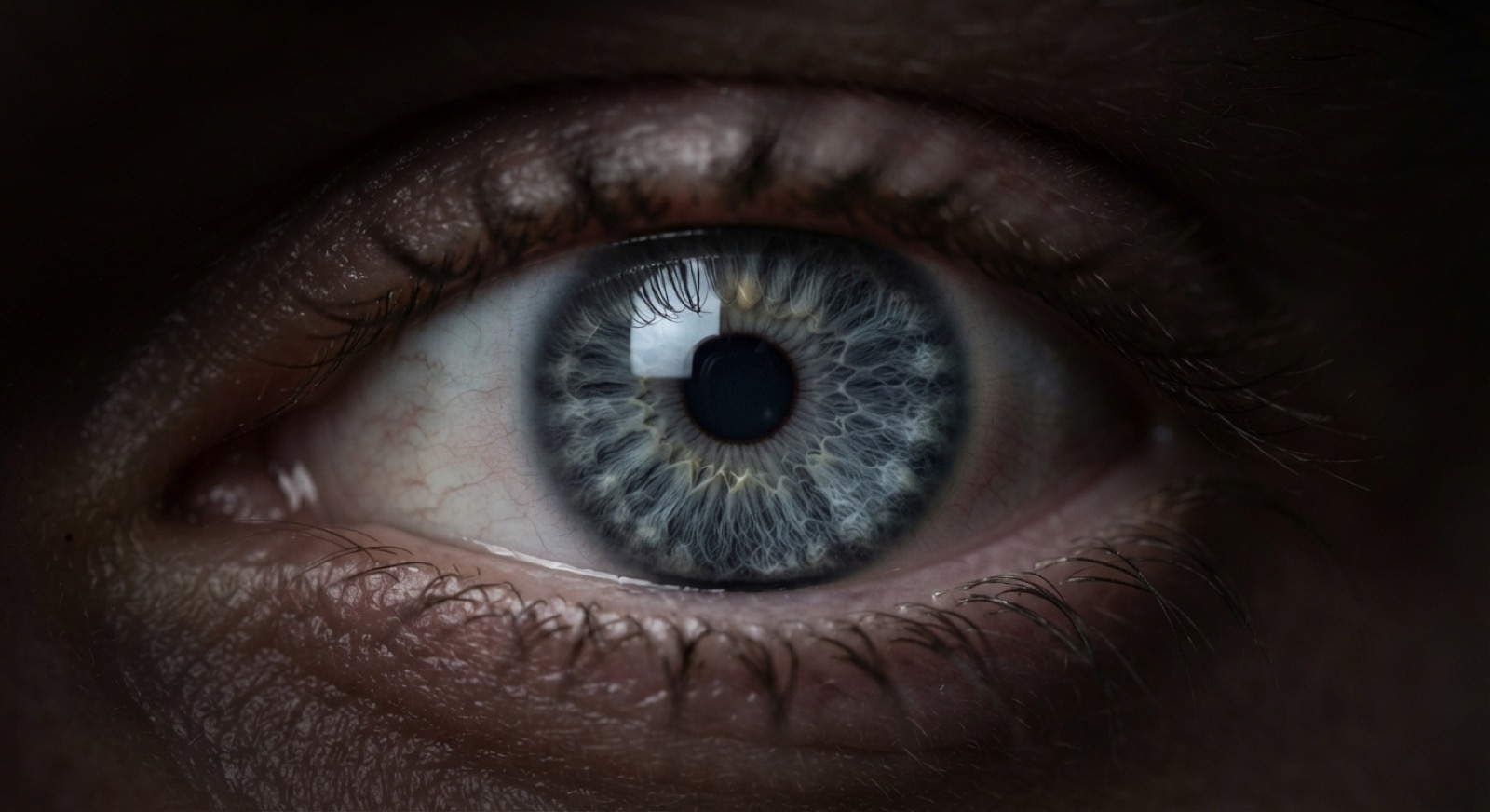
Fig. 1 — at a large output size the iris, lashes and skin are drawn in full. Every one of those details is the model's invention, not a measurement.
What gets invented
Irises, eyelashes, pores, stray hairs and jewellery detail are generated fresh on every render, at every size. Two renders of the same character will give you two different irises, and neither is more correct than the other.
This matters most for identity. If you are building a series around one character, an iris pattern that changes from image to image is exactly the kind of drift a viewer notices without being able to name it. Put what must stay the same — eye colour, a scar, the shape of an earring — in the key's subject paragraph, so it is asked for every time.
A test you can run
Render the same prompt and key twice on the same model and compare the two faces. Everything that stays put is coming from your description; everything that moves is the model's choice. On the Draft tier it costs two credits, and it permanently changes how you read a close-up.
~500 px — of face in a 1024 px portrait
1024 px — Draft — fine for structure, light and expression
2048–4096 px — for close-ups where texture has to hold
Choosing the tier
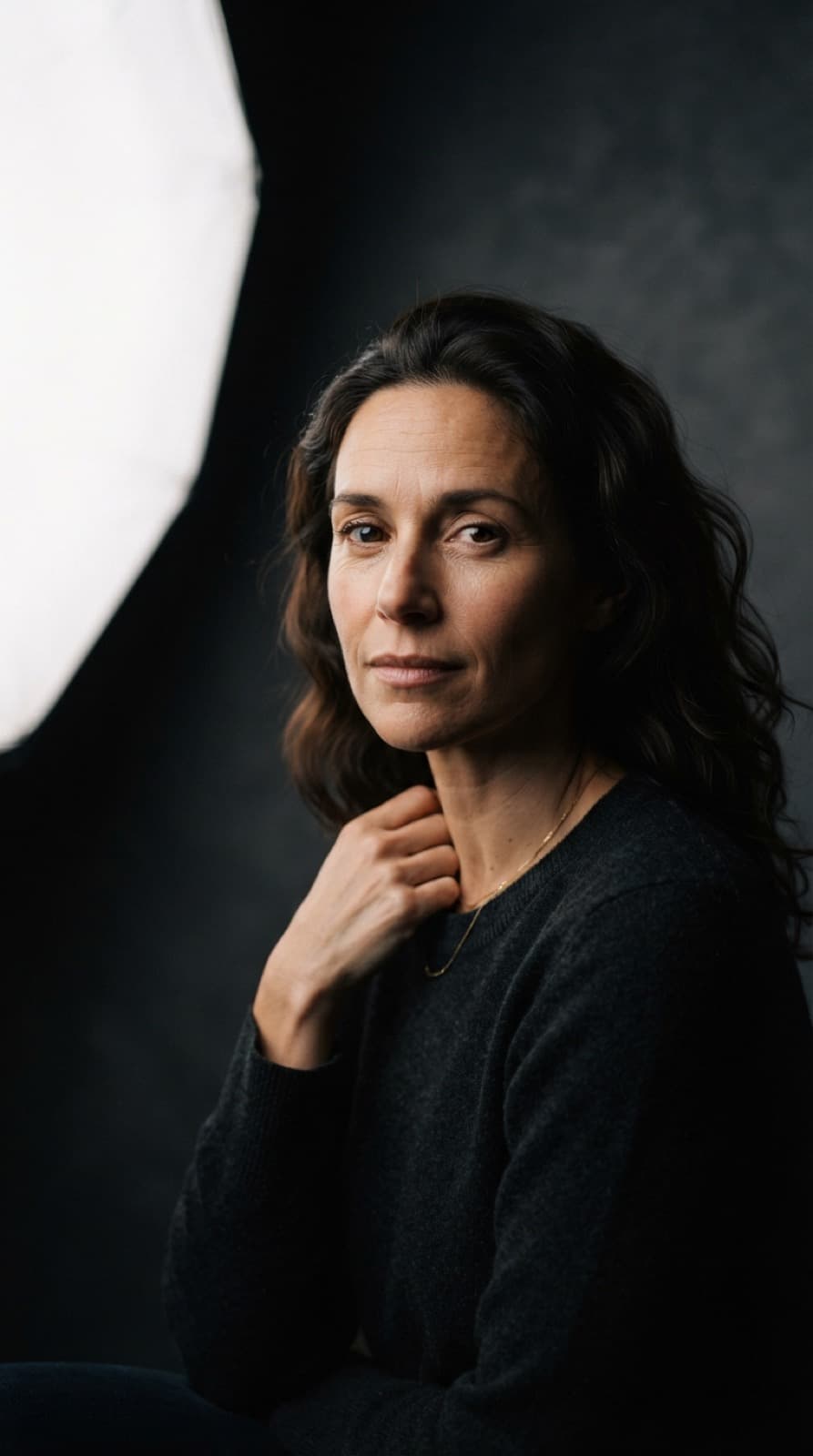
Draft at 1024 px is for finding the shot: pose, framing, light. It is also what the free plan includes. Standard at 2048 px, on Nano Banana 2 at 2 credits an image, is where most character work belongs. Reach for 4096 px when the face fills the frame or the image is going to print — GPT-5 Image Mini at 10 credits, or Nano Banana Pro at 30.
Because there is no upscaling step afterwards, pick the size before you render the keeper. A frame that will be printed large should be rendered large.
If you are building a character series, find the shot on Draft, render the keeper at the size it needs, and let the key carry the description.