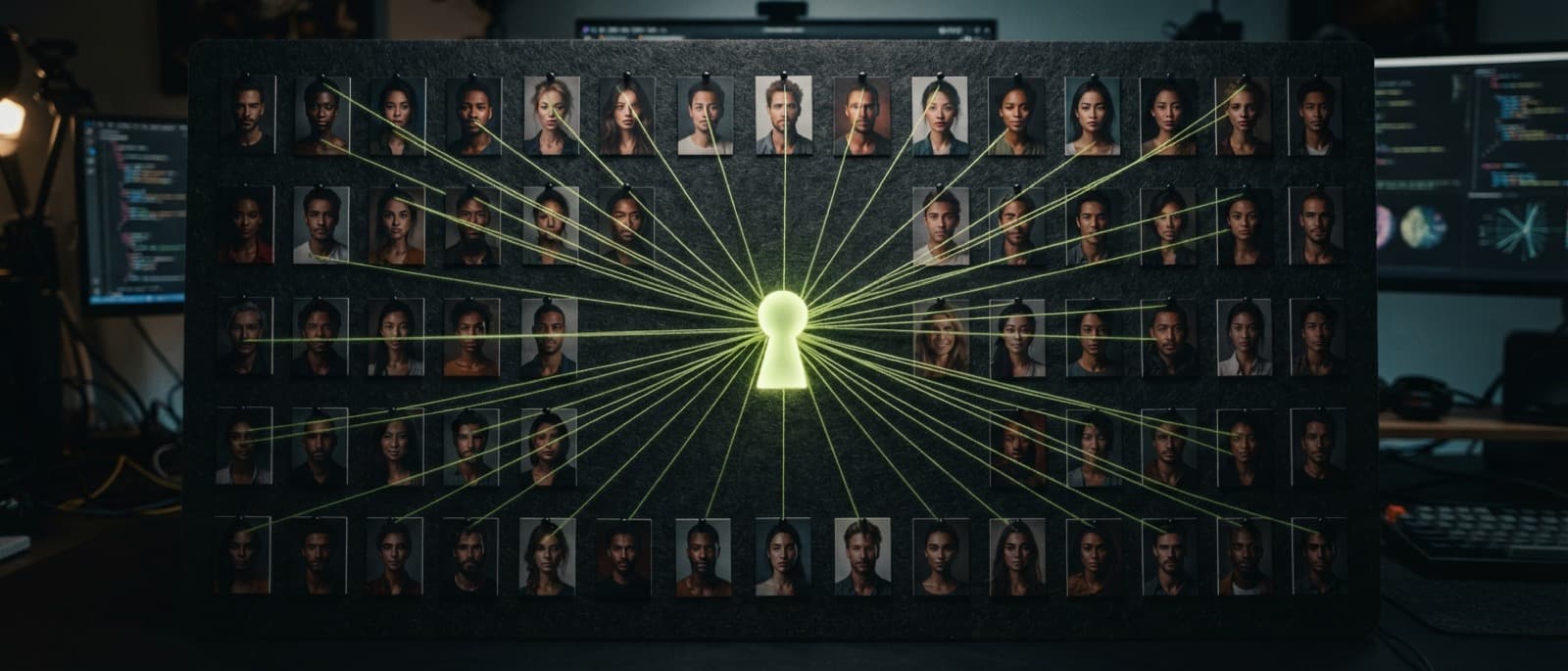
Most renders are never moved, tagged or renamed. Not because people do not care, but because filing is work you do for a future self you do not quite believe in.
So we stopped asking. Every image that renders successfully goes into your Vault automatically, and the Vault groups it by the thread it was made in — the working session you already had open. There is nothing to set up and nothing to sort.
Why folders fail
A folder is a decision you have to make before you know the answer. You finish a render, you are already thinking about the next one, and the only sensible place to put it does not exist yet.
Tags fail the same way, one step later. They work beautifully for the fortnight you are disciplined, and then quietly become noise.
The best filing system is the one that has already happened by the time you go looking.
— product note
What the Vault groups by
A thread is the unit you already work in: one conversation with the studio, usually one subject, a run of turns that build on each other. The Vault shows each thread as a group, with what you need to recognise it at a glance:
Title — The thread's name — taken from the first words of your first prompt, and yours to rename.
Key — The character key the thread is bound to, if it has one.
Count — How many renders the thread holds.
Recent — When you last worked in it; the most recently active threads sit at the top.
Renders — The images themselves, opening into the full thread when you click through.
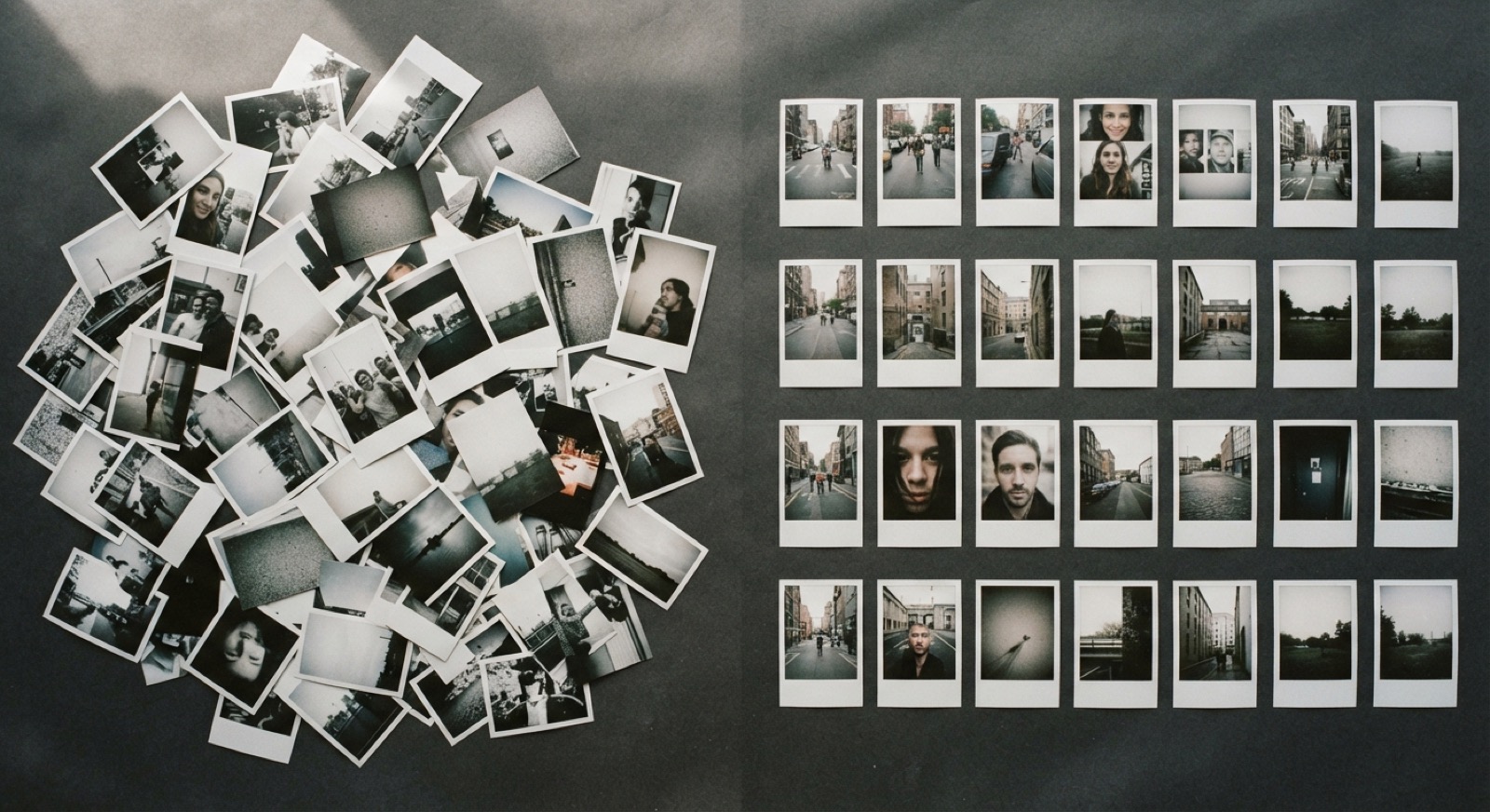
Fig. 1 — a pile of loose renders, and the same kind of work grouped by the session that made it. No manual filing in either column.
Finding things again
Search in the Vault matches thread names and key names, so typing Aria finds every thread built on your Aria key without you ever having tagged anything.
Because the grouping comes from how you already worked, it never has to guess. A render sits in the thread that made it — that is a record, not a classification. The Vault does not look at the pixels, and it does not send them anywhere to be categorised.
0 — folders you have to create first
0 — rules to write or maintain
1 — thread per render — the one that made it
What a thread keeps
Open a group and you are back in the thread itself: every turn, the prompt you typed, the key that was attached and the seed recorded for each render. From any image you can continue from it, pin it as a reference, or reuse its prompt in the composer.
Every image also has its commercial licence certificate number on its render page, so the record of what you made and what you may do with it sits in the same place.
What it never does
The Vault never deletes or moves a render on its own. Grouping, ordering and search are views over the same files; removing anything stays a decision you make with your own hands.
Your renders are stored on Cloudflare R2 and are yours to download. If you want a record of everything at once, Settings has a data export with your threads, prompts and links to every image.
The Vault works this way on every plan today. Open it once and look past the first few threads — you will probably find a series you forgot you made.